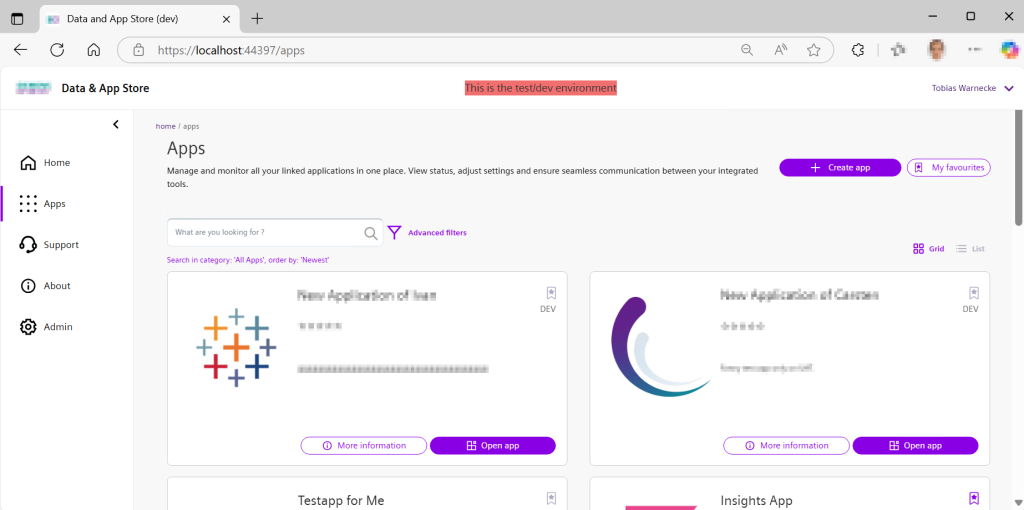
A lot of my latest work involved creating app store / portals which present available applications to (internal) customers (see example below). Usually the design is based on a dashboard with the apps as cards or tiles, similar to lotus notes or windows. When creating your own framework you can embedd the portal in your environment and business processes and e.g. reuse existing iam mechanisms or track usage.
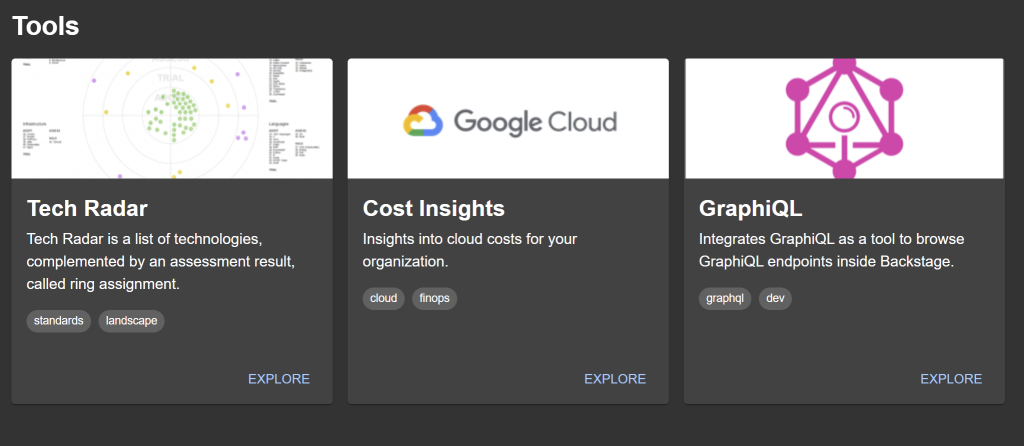
However if you can stick with a restricted standard you can also use commercial available software – or even open source. One example is backstage (from Spotify). Main idea is to have a service or software catalog. You can customize the cards in this solution to match your desired design by adding themes when creating elements (example from the demo):
If you need a similar solution (completely programmed and flexible or based on backstage.io with customization) you can contact me.
Update triggered with the tool mintupgrade “sudo mintupgrade check”, if not present “apt install mintupgrade”
Was a bit scared when the Fonts were upgraded and the app names got crypted, but that was fixed during the update. You need to have a system snapshot with timeshift in order to perform the update. Update was performed on an AMD System 5950x with a RTX 3080 with encrypted disk. Took half an hour, but thats fine.
I think there will be an official guide in the next few days, but for me was smooth enough without the exception that my cable network needed to be added manually after the upgrade and howdy does not work anymore.
Here i will describe how to install the code llama modell on one of your VM’s. Problem here is that you usually loose the GPU support because MS is still not able to provide GPU-P for Hyper-V. TY MS at this point.
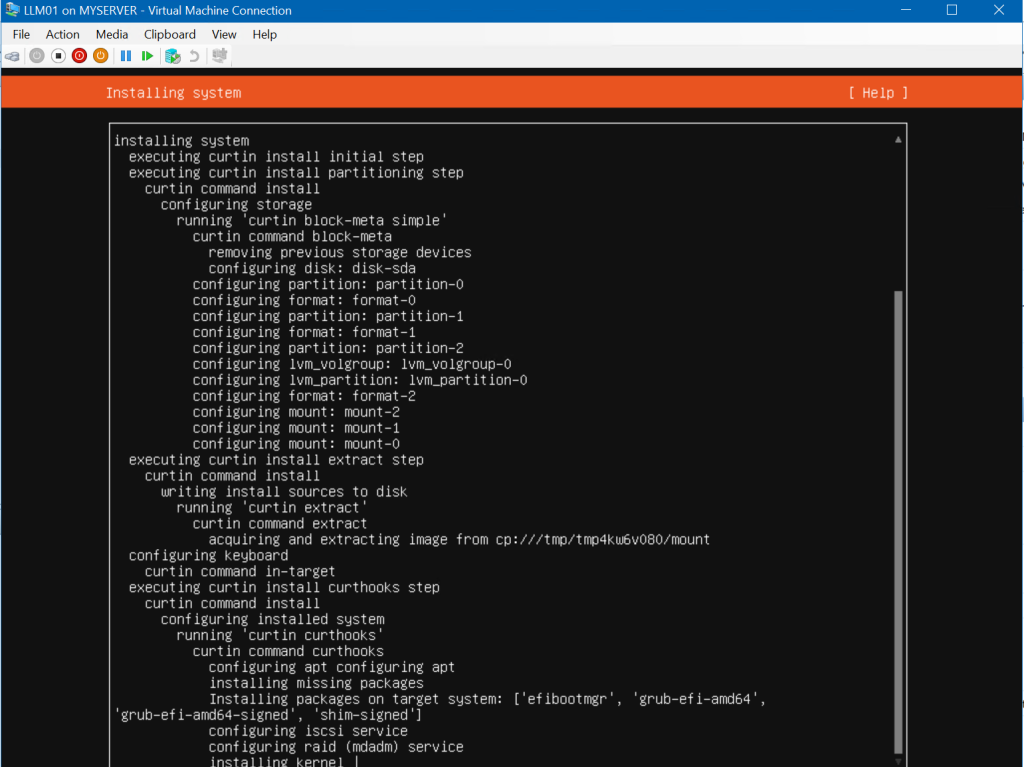
First prepare a vm, I’m choosing ubuntu srv 22.04.03 LTS. Assigning 8 cores and 64GB of RAM.
Check if git is installed (insert “git –version” in the terminal):
Clone the llama.cpp project, insert the following commands in the terminal (“make” w/o anything is cpu only, you may need to install the gcc compiler):
git clone https://github.com/ggerganov/llama.cpp
cd llama.cpp
sudo apt install build-essential //gcc compiler
make
Downloading the model can be done with a nice script:
This is a an example on how to use AI in your own environment. I’m using the popular LLM Code Llama from Meta which is open source (also for commercial use) and supports C#, my main programming language. Another advantage is that you can use it in your own environment and your most value asset the sourcecode will not leave your network.
Code Llama comes in different sizes, I’m currently using the 70B Model which returns the best result but requires quite a bit of resources. I’m showing you how to self host a tool which runs the llm locally on a central server and write a simple VSCode extension to access the api to query results.
But first lets try to run it locally on my development machine. For this just install ollama (MIT License) and select the model from meta.
It usually gives you a code snipped and an explanation. It works, but it may be a bit inconvenient. In the next post, I’ll show you how to run the modell on your own virtual environment and access it via web or inside your code editor.
Maybe this helps other user. Just updated gitea and service refused to start: Process: 48241 ExecStart=/usr/local/bin/gitea web -c /etc/gitea/app.ini (code=exited, status=203/EXEC)
In the log (journalctl -b 0 -u gitea) there are permission issues: gitea.service: Failed at step EXEC spawning /usr/local/bin/gitea: Permission denied
I checked permissions and they are ok. Found out that selinux flagged that file as user_home_t as it was downloaded to that location.
Fixed the issue with command (sudo restorecon -rv /usr/local/bin/gitea) to remove the user_home flag.
Aus einem Kundenprojekt kam die Anfrage den Identifizierungsprozess z.b. mittels Personalausweis und Videoident einfach über einen internen Prozess starten zu können und die Ergebnisdaten nach Abschluss des Falles entsprechend zu verarbeiten. Das Projekt wurde in C#/Asp.Net umgesetzt und läuft auf einem internen Webserver. Die Ergebnisdaten werden per Cronjob einmal am Tag abgerufen und bei Änderungen im Status entsprechend behandelt, zumeist archiviert.
Der Code stellt nur Ausschnitte des Projektes dar, wer Interesse an einer konkreten Implementierung hat kann sich gerne an mich wenden.
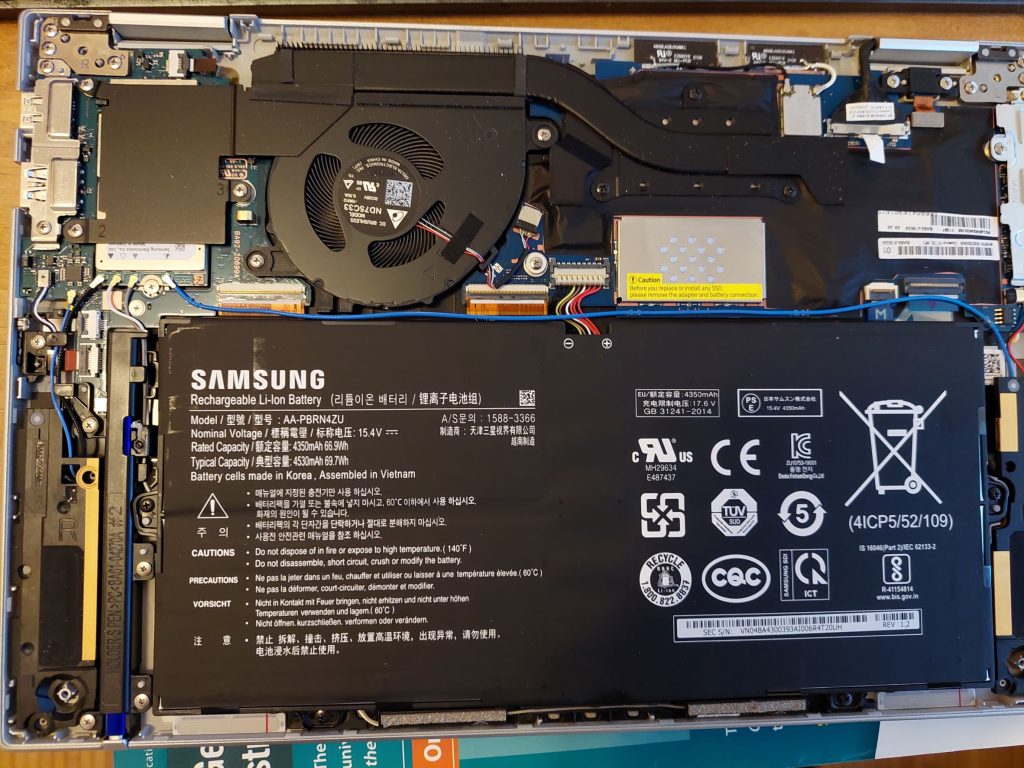
Seems that the Notebook uses not a standard 2280 m.2 SSD but instead a much smaller one (maybe 2230). I just wanted to install a Samsung 980 Pro on my exemplar but aborted the operation.
The SSD is above the Battery in the middle.
The SSD is under the Metal Frame in the Middle above the Battery.
Btw.: Disassembly is pretty easy: Just remove 4 screws and use a suction cup on the front corner on the bottom (not on back side at hinge area which seems to be much stronger).
Today i want to start automating my tasks. This time i want to automate a backup task written in Python. In general the script collects mySQL database exports in zip-format and copies them into a folder which is then protected with a raid and a backup. I’m using a python script on the Windows Tasks Scheduler for this job.
We use cookies to ensure that we give you the best experience on our website. If you continue to use this site we will assume that you are happy with it.