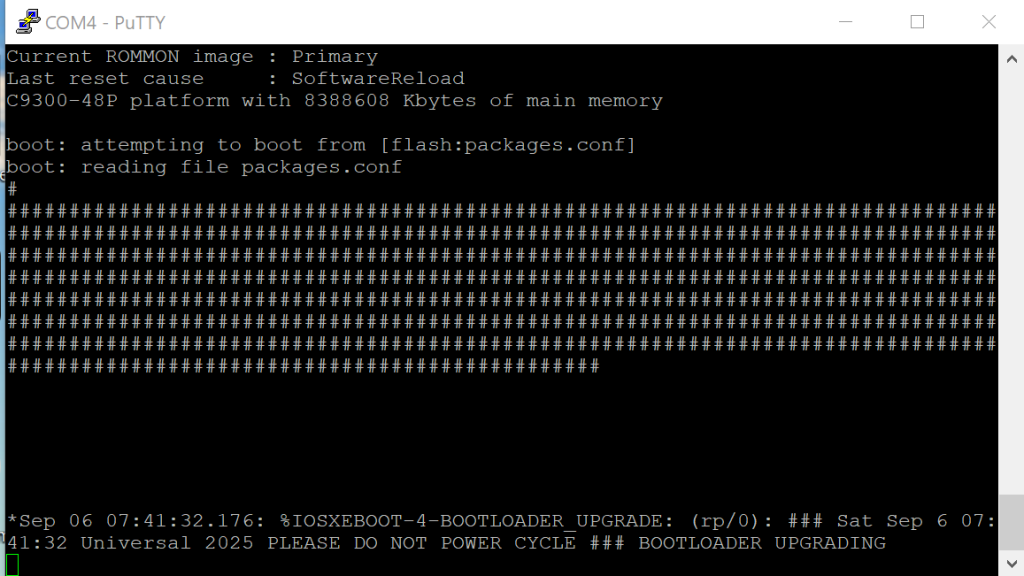
Assuming the switch needs to be wiped.
Step 1: Boot the switch and interrupt the boot sequence (Press the Buttons on the Front while booting)
Step 2: Inster USB Stick on the Front with matching Cisco Image (in .bin-Format). Check if you can see the file enter: “ls usbflash0: “
Step 3: Enter “emergency-install usbflash0:your-image.SPA.bin”
Step 4: Good Luck !
I have capture the process with OBS here, took a few minutes